Monday, February 15, 2010
HP's DreamScreen 100: Plagued With Limitations, But Filled With Promise
Posted by Jason Dunn in "Digital Home Hardware & Accessories" @ 07:00 AM
Media Playback: Get Ready for Some Bad News (...continued)
Audio Playback
What about audio support? Can they possibly have trouble with something as simple as playing back MP3 files? Well, when you load the music application, be prepared to wait about 12 seconds for your USB device to show up. And, rather than scanning your storage devices to show you a unified list of music, you need to drill into the USB menu item, and watch as it displays every folder on the USB drive - including ones that have no music in them. Seeing a trend here? This sort of "show the user all the folders and let them find the right one" is simplistic software design that was abandoned by smart developers years ago. There's also a weird bug that displays an unknown album with no songs in it.
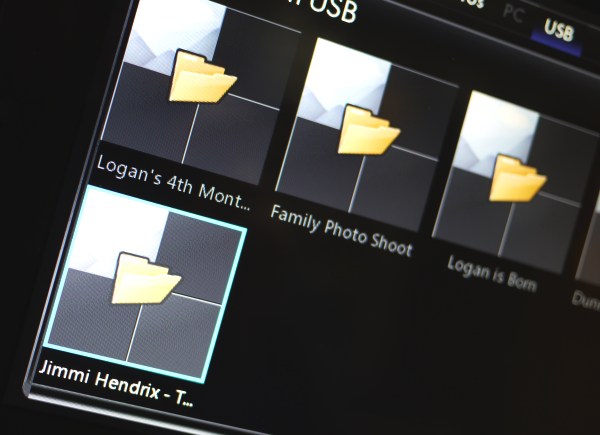
Figure 25: Folders are shown even if there's no music in them.
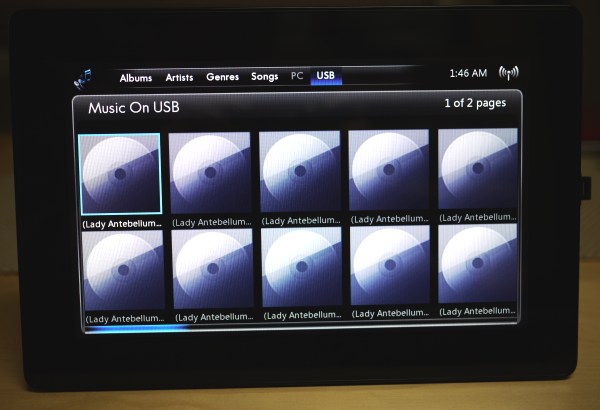
Figure 26: No album art!
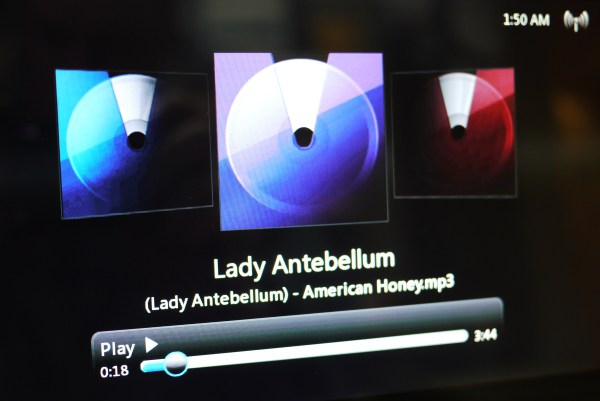
Figure 27: Nice interface, but I'd have liked to have seen album art instead.
HP doesn't seem to be aware of this "metadata" thing either - they show you the file names, and nothing else. So if you're like me and name your files (Artist) - Song.mp3, all you'll see is a list of files that have truncated file names that look identical. Embedded album art is not shown, so the DreamScreen shows you these large thumbnails with a generic CD icon. Once you manage to find your song through random clicking, the rear-facing speakers are about what you'd expect - it sounds like a clock radio. When the music is playing, is displays three CDs with different coloured cases. Album art would look great here, but the software reads neither the embedded art inside the MP3 files, nor the folder.jpg image in the folder.
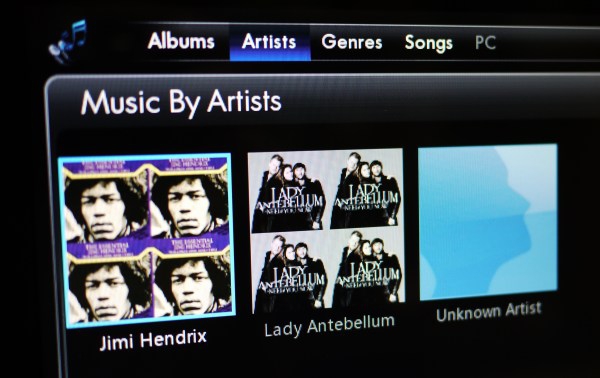
Figure 28: Finally, some album art!
Curious to see if things were any better if I copied the albums off the USB flash drive and into the internal 2 GB of storage, I kicked off a copy of an album of 256kbps MP3 files. Two minutes and four seconds later, the process was finished - and I was impressed to see all of the above complaints addressed. Once the files are copied over, they're indexed based on metadata. Artist and song information shows up, and so does album art - including when you're playing the songs. Here's the problem though: with only 2 GB of internal storage, I don't see people copying over very much of their music collection. I expect, instead, for people to put their music on a memory card or USB flash drive and play it off that. With the crippled functionality I mention above, that will prove difficult.
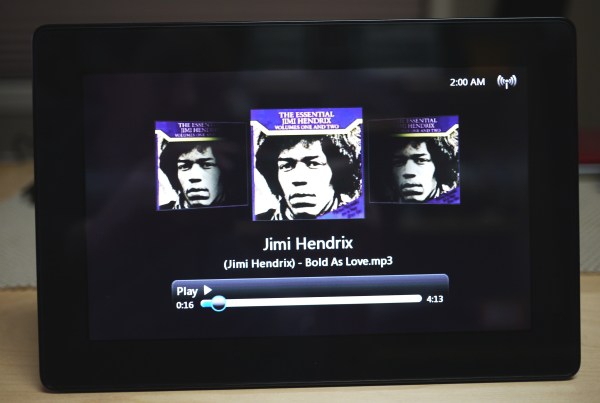
Figure 29: Playing back MP3s.
Thankfully, some of the functionality I expected exists: when listening to a song, I pressed the slide show button on the remote, and after a couple of seconds, the photos I'd copied over to the local storage displayed on the screen. When I had no photos on the internal storage, pressing the slide show button did nothing. If the functionality is so badly crippled when using content on removable storage devices, HP should ship the DreamScreen with 4+ GB of storage and automatically prompt to copy content over whenever a memory card or USB flash drive is connected. Weirdly, the music stopped playing when I loaded the clock application. Why?