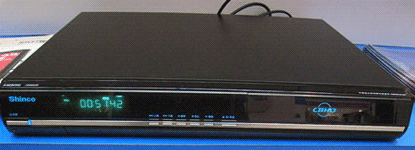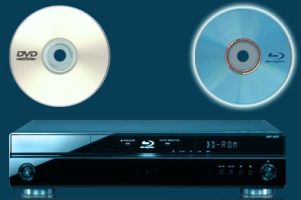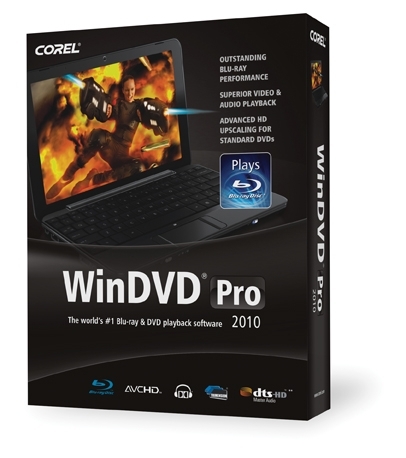
Here's the scenario: I have a computer in my office connected to a Dell 26" LCD TV, and I use it as my master media computer, including handling the task of recording standard-def TV shows. I often watch movies on it while I work on editing photos or videos. It doesn't have a Blu-ray player on it, but since I still have the dv2 on loan from HP I decided to connect the USB-based Blu-ray drive. It worked like a charm, but even with Windows 7 installed, I can't play Blu-ray discs without added software. I asked the nice folks at Corel to let me take WinDVD Pro 2010 for a spin. I tested this software on a machine with 4 GB of RAM, an Intel Core 2 Quad CPU at 2.4 Ghz, and an Nvidia 7950GT video card.
WinDVD Pro 2010 sells for a hefty $99 USD; it seems anything related to Blu-ray is expensive, from discs to players to software. It's likely in no small part to the royalties and codec licensing required to play that juicy 1080p video, but when entire computers cost $299, $99 seems a bit steep for software to play movies.
After downloading the 110 MB installer, I ran it and was surprised to see it had to install the Microsoft Visual C++ 2005 SP1 Redistributable Package and Microsoft DirectX 2008 package. Really? A C++ package from 2005? On a Windows 7 computer? The EULA was a bit different than normal - the first paragraph was in bold text and it stated that the install was good for one copy on one computer only. That's not something I normally see, but given the expensive Blu-ray licensing fee involved, I can see why they do this. Next it asks for a region selection, and after the install is complete, it offers to be the default player not only for Blu-ray discs, but also for AVCHD and M2T/MTS files - and audio CDs as well. I said yes to the former, no the latter, and was then prompted to install the QuickTime player. It seems every MPEG4-based product out there leans on Quicktime in some way, which is frustrating if you don't want Quicktime installed on your computer. Read more...