


Monday, February 15, 2010
HP's DreamScreen 100: Plagued With Limitations, But Filled With Promise
Posted by Jason Dunn in "Digital Home Hardware & Accessories" @ 07:00 AM
It All Happens on the Home Screen (...continued)
HP SmartRadio
Having streaming radio on the DreamScreen is a nice touch - the speakers don't kick out much volume, but you can connect the DreamScreen to external speakers via the headphone-out jack. When you first start up the SmartRadio application, you're presented with a search screen that allows you to find radio stations to your liking, either by genre or by location. Again, some IP-based intelligence would enhance this scenario - the radio should know where I am and offer me local radio stations automatically. Once you've added at least one streaming radio station, it will be listed on the favourites list. This is what displays when you first start up SmartRadio - up to eight favourites can be added. All in all, the SmartRadio feature works fairly well; you can toggle the radio off or on with the OK button on the remote, but SmartRadio stops playing when you load the clock for instance - why? Thankfully the slide show button works, so you can immediately fire up a slide show when listening to the radio.
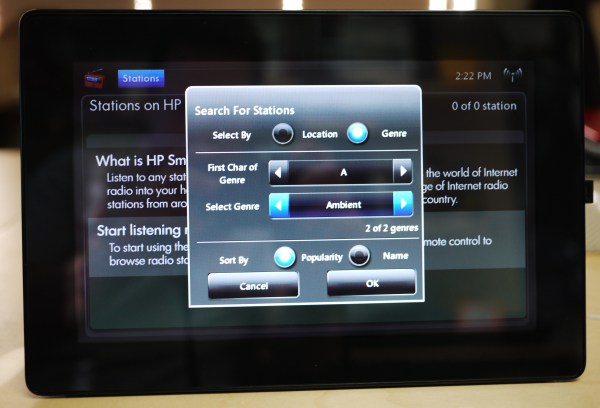
Figure 14: The SmartRadio search function.
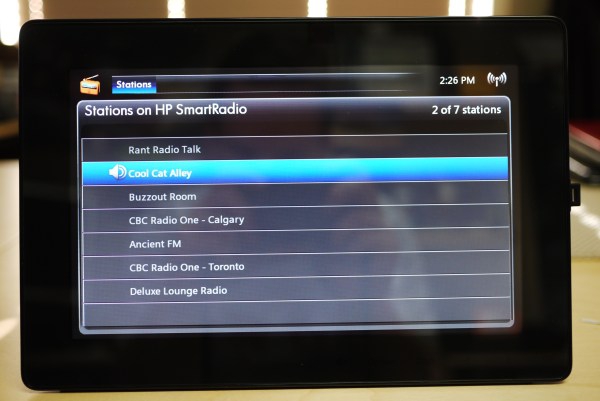
Figure 15: The list of SmartRadio favorites after I added a bunch of stations.
Snapfish
Snapfish is HP's online photo printing/sharing service, and it's inclusion on the DreamScreen is either going to be completely useless or fantastic depending on whether or not you use Snapfish. I happen to have a Snapfish account, so I was able to test this feature, but what I'd really want to see is a SmugMug option for instance. After inputting my email address and password on the on-screen keyboard one character at a time, I was able to log in and see the Snapfish demo album, and the album of photos I'd uploaded. I could browse the demo album and it would display the photos, but my own album showed up blank - no photos. I logged into my Snapfish account on my desktop computer and verified there were 60 photos there, but the DreamScreen still wouldn't show me my pictures. It's bad enough that the DreamScreen is locked into Snapfish, but to not display my photos is a pretty huge failure.
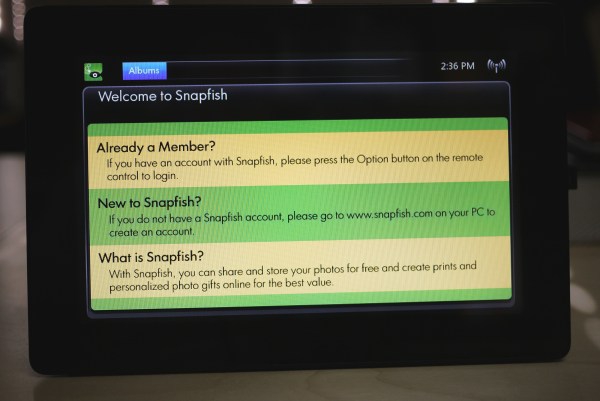
Figure 16: The Snapfish application.
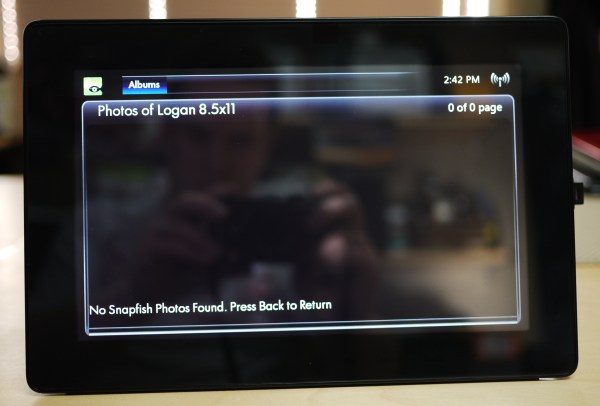
Figure 17: Hey, where are my SnapFish photos?
Facebook is everywhere - even on your digital picture frame! Loading this application was similar to the SnapFish application; pressing the Option button on the remote lets you login using the on-screen keyboard. By this point I was wishing the screen was a touch-screen, or at the very least, it had the intelligence to auto-complete previously entered email addresses or passwords. Thankfully, HP doesn't swap the password characters to asterisks as you enter it. Much to my confusion, the first attempt at logging in to Facebook resulted in an incorrect username/password error. I had an extra dot in my email address, so once I fixed that by re-entering the address - there's no option to fix it character by character - I tried logging in again. Error. I re-entered my password from scratch, and still couldn't get in. I fired up my Web browser, logged out of Facebook, then logged back in using the same information I was putting into the picture frame. I even had my wife give it a sanity check; all my credentials were correct, but the DreamScreen wouldn't let me log into Facebook. Just like the SnapFish problem, this is a significant failure of the product.
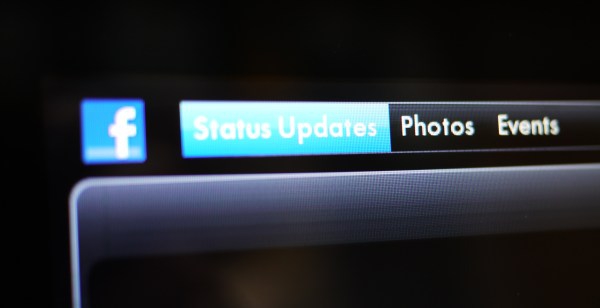
Figure 18: If I could get it to work, apparently I'd be able to see status updates, photos, and events on Facebook.
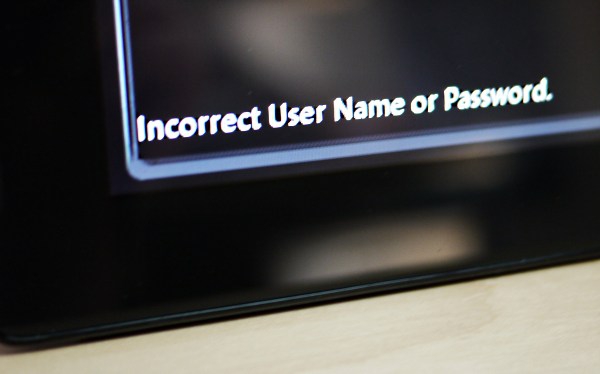
Figure 19: No Facebook for me!









